 ProxyZip
ProxyZip / Features / API testing
Turn captured traffic into API tests
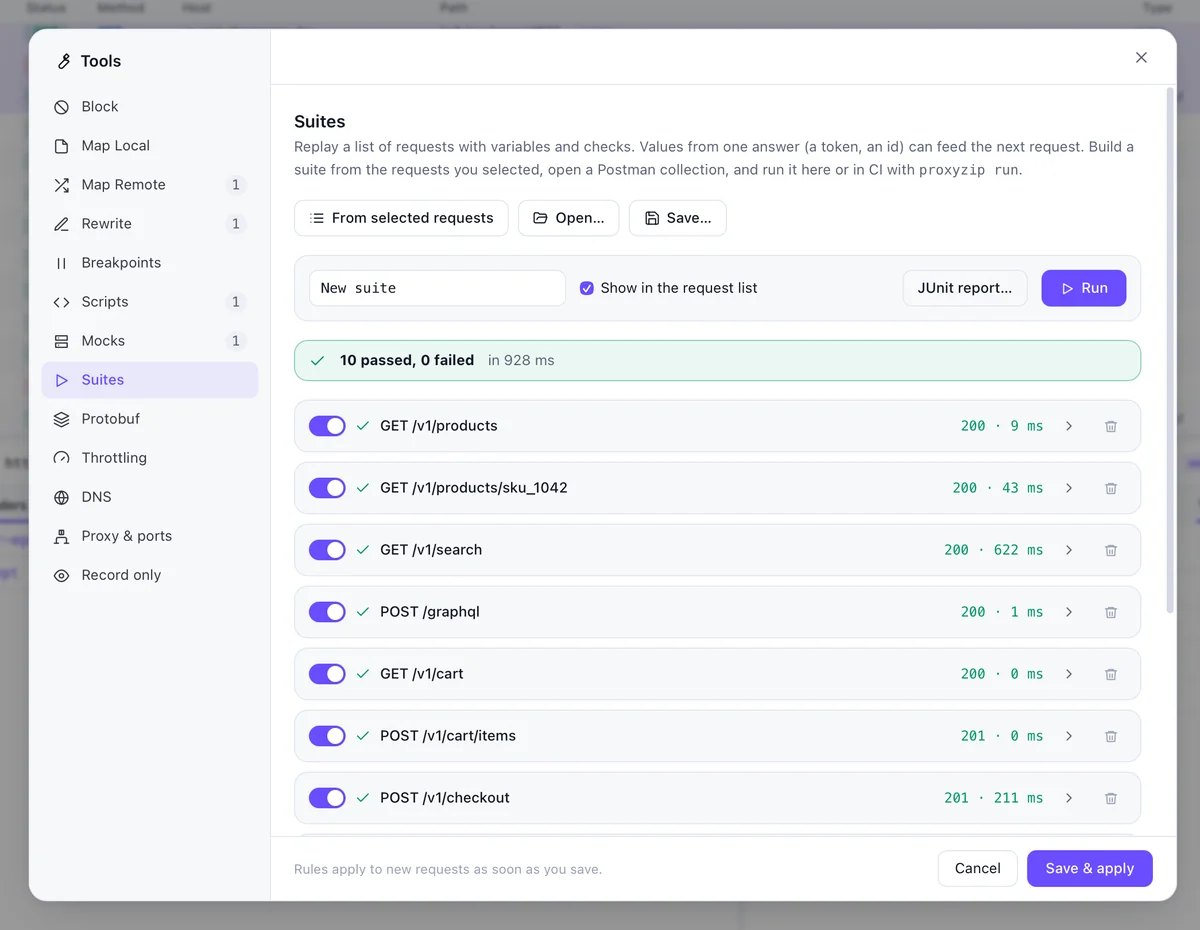
The fastest way to write an API test is to do the thing once in the app and record what happened. ProxyZip turns a selection of captured requests into a replay suite and runs it again whenever you like.
Build a suite
- Capture the flow you care about: log in, add to cart, check out.
- Press
Cmd+A(or select the rows you want), right-click and choose Add to a suite… - Add checks. A request can assert on its status and body.
- Use
{{vars.name}}in URLs, headers and bodies, and define environments such asstaging. - Pass values between steps: extract a token with a
jqpath and use it in the next request.
A suite is a single .pzsuite file, so it belongs in version control next to the code.
Run it in CI
proxyzip run checkout.pzsuite --env staging --junit report.xml
proxyzip run exits with 1 when a request fails and writes a JUnit report that every CI system can display. The suites guide shows a GitHub Actions job.
Bring your own
- Import a Postman collection and run it with the same command
- Check responses against an OpenAPI file with
proxyzip validate - Point a suite at a mock server while the real API is being built
Read the replay suites guide.